Arrival
How Skim greets a first-time visitor — private by construction, with a no-account preview.
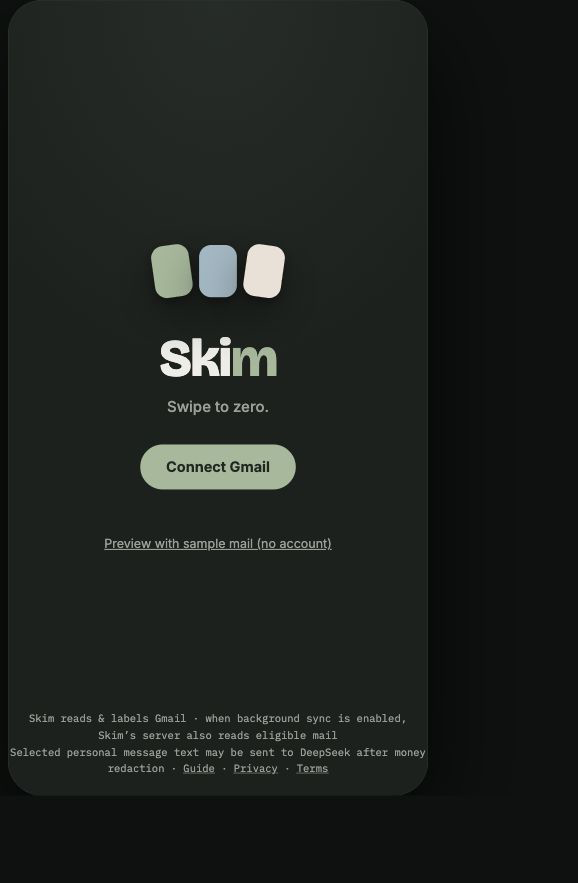
Connect
The arrival screen — one tap to connect Gmail, or preview with sample mail. It explains the gated server-assisted path. Deterministic cards work without DeepSeek; selected money-redacted personal message text is sent only after explicit opt-in, with provider caching and retention uncertainty disclosed.
The skim
The core ritual: a finite deck of derived cards you swipe to zero. Deterministic, capture-free, source-anchored.
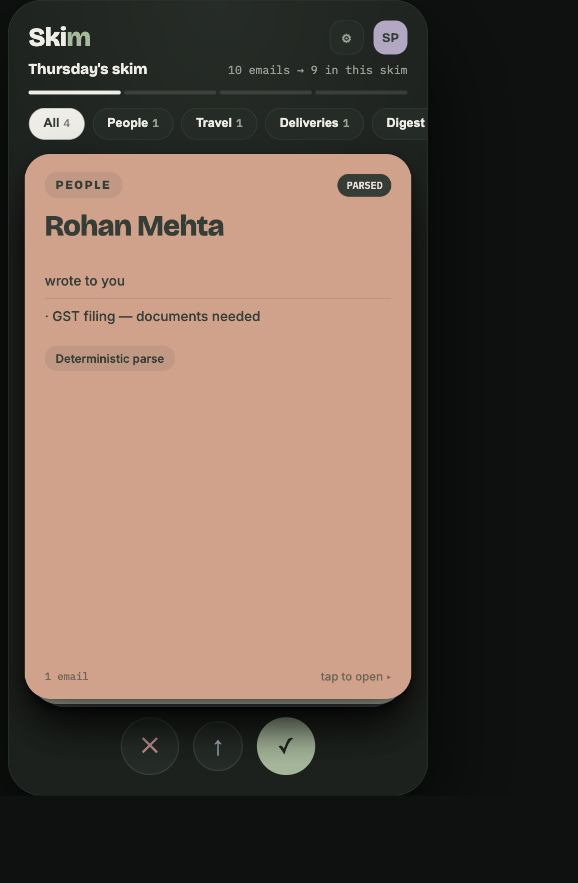
The deck
Your inbox as a finite, curated deck. Revision 002 ranks personal communications first, then operational mail, and collapses routine machine mail into cleanup. Swipe to zero, then close.
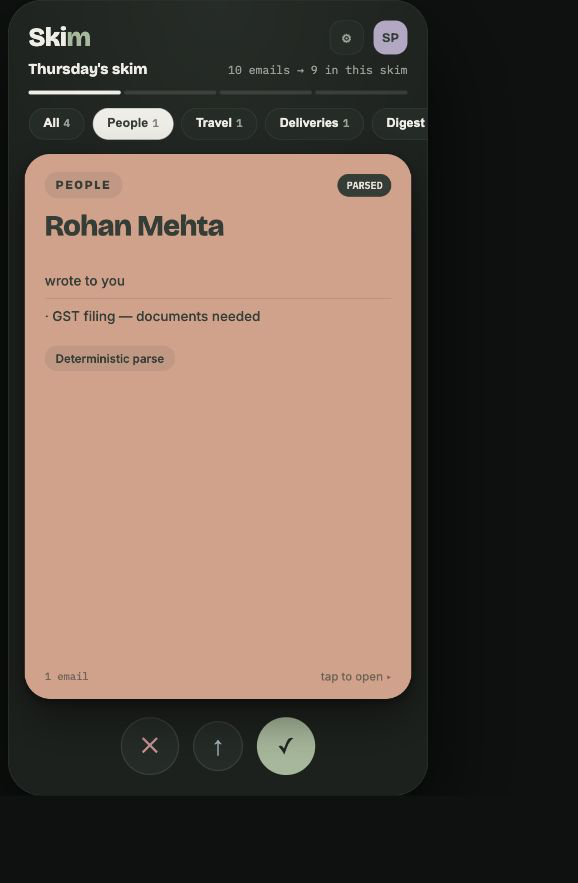
Family filters
Chips filter the deck by family — People, Money, Travel, Deliveries, Digest. They hide at zero and fall back to All when a family empties. A card wears a PARSED or AI badge for its provenance.
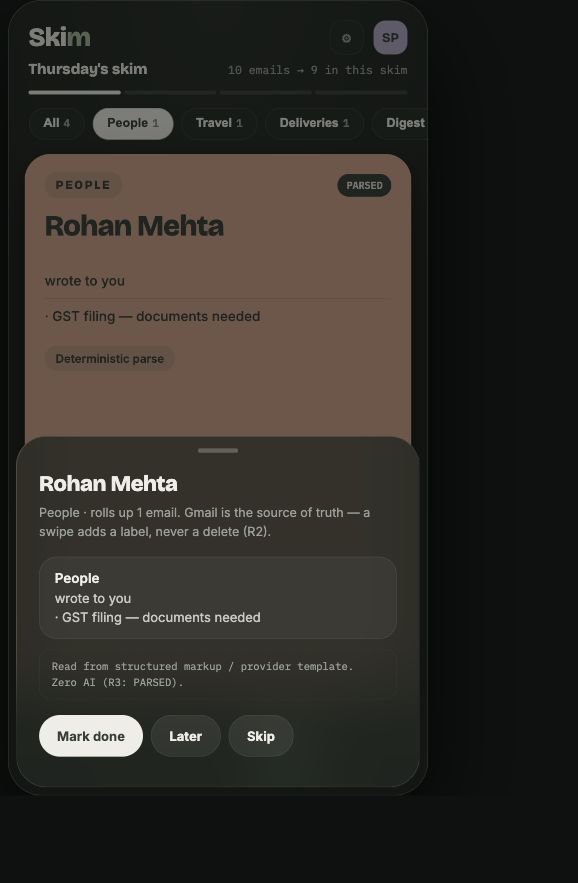
Card detail
Tap a card for the detail sheet — the source emails behind it and its actions. Cards are posters (≤8 lines); the sheet carries the depth.
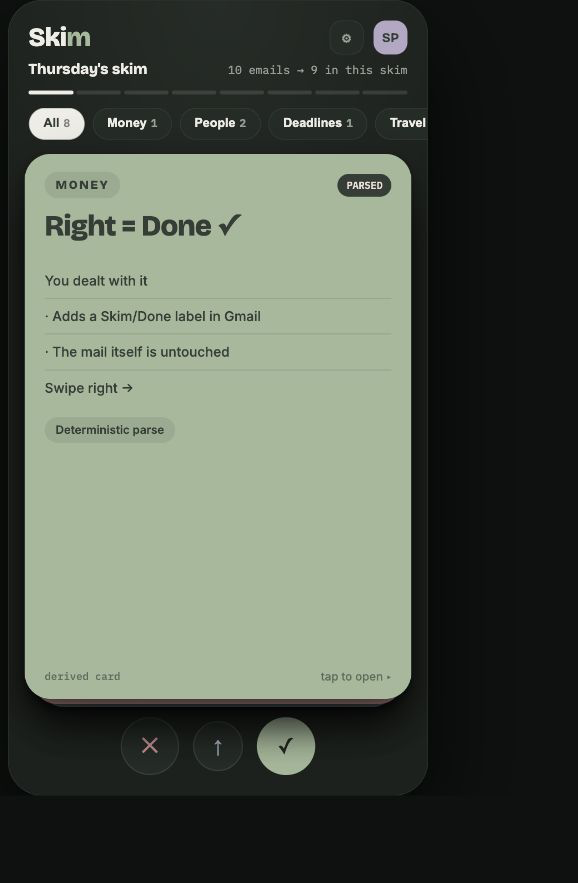
Swipe verbs
Right = done, left = skip (a training signal), up = later. Dock buttons and arrow keys mirror every gesture. Nothing is deleted — 'done' is a Gmail label, and re-syncs are idempotent.
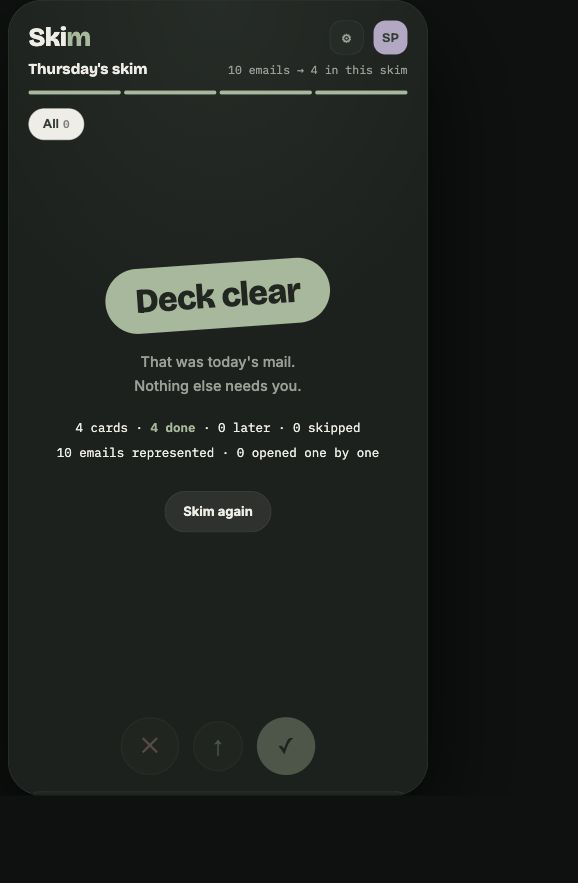
Deck-zero
The session ends with stats and a clear stopping point. If a curated pass defers cards, “Skim the rest” offers the full pass.
Settings & privacy
Where control and the disconnect story live.
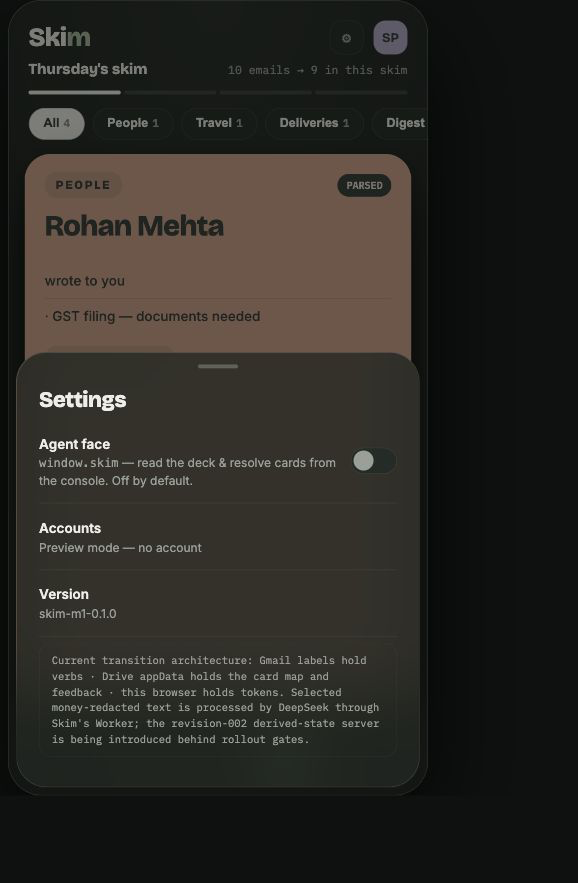
Settings & privacy
Account, preferences, and the developer agent-face toggle (off by default). Sign out clears this browser session. Server-backed accounts also have an explicit disconnect-and-delete flow with progress, retry, and truthful completion.
No screens match that search.